Working with RGB images#
In this tutorial, we will explore RGB images using seaborn-image. Specifically, we will be looking at the imgplot() function for general visualization as well as a dedicated rgbplot() function to visualize the channels in the RGB image.
In addition, we will also use set_context() and set_image() to globally set the image properties.
[1]:
import seaborn_image as isns
from skimage.data import astronaut

isns.set_context("notebook")

"""set image origin to upper for all images"""
isns.set_image(origin="upper")
Visualize RGB images#
imgplot() also accepts RGB image data as input
[2]:
ax = isns.imgplot(astronaut())
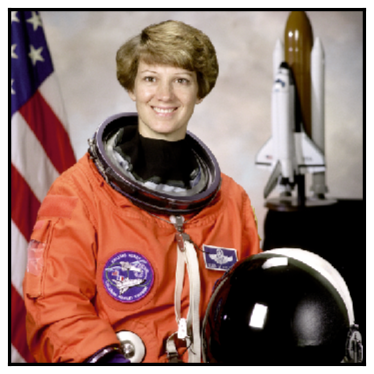
For 2-D data, imgplot() adds a colorbar by default. However, if the input image is RGB image, imgplot() sets cbar=False.
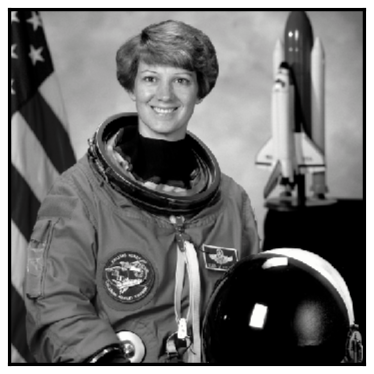
RGB images can also be easily converted to grayscale images by specifying gray=True parameter in imgplot(). Under the hood, this uses scikit-image’s rgb2gray() function.
[3]:
ax = isns.imgplot(astronaut(), gray=True)
Split and visualize individual channels#
rgbplot() is a figure-level function that allows us to split the RGB image into individual channels and visualize them independently.
[4]:
g = isns.rgbplot(astronaut())
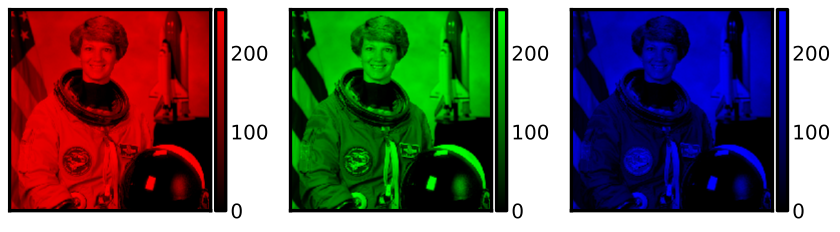
We can change the size of the overall figure and individual axes using the height and aspect parameter.
Note : height and aspect paramters can be used in all figure-level functions
[5]:
g = isns.rgbplot(astronaut(), height=3.5, aspect=1.1)

Change colormap
[6]:
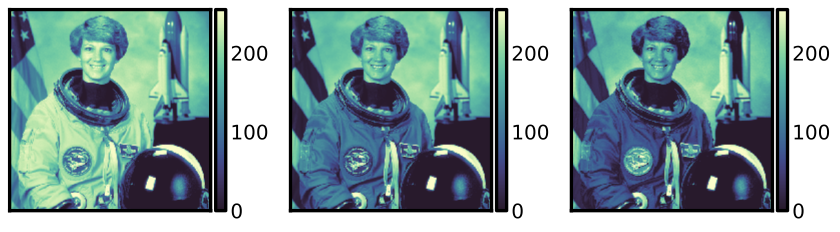
g = isns.rgbplot(astronaut(), cmap="deep")